

TM 5-3895-385-23-2
0267
Joystick Optimization -- Continued.
21. Set the RUN/STOP toggle switch from the RUN position to the STOP position and back to the RUN position
(TM 5-3895-385-10).
22. Move the left joystick to the neutral position (TM 5-3895-385-10).
23. Move the right joystick forward until the left track beings moving forward slightly (TM 5-3895-385-10).
24. Set the RUN/STOP toggle switch from the RUN position to the STOP position and back to the RUN position
(TM 5-3895-385-10).
25. Move the right joystick to the neutral position (TM 5-3895-385-10).
26. Move the right joystick reverse until the left track beings moving backward slightly (TM 5-3895-385-10).
27. Set the RUN/STOP toggle switch from the RUN position to the STOP position and back to the RUN position
(TM 5-3895-385-10).
28. Move the right joystick to the neutral position (TM 5-3895-385-10).
29. Move the joysticks forward until the BMPM is moving forward slowly (TM 5-3895-385-10).
30. Move the right joystick to make the BMPM travel straight.
31. Set the RUN/STOP toggle switch from the RUN position to the STOP position and back to the RUN position.
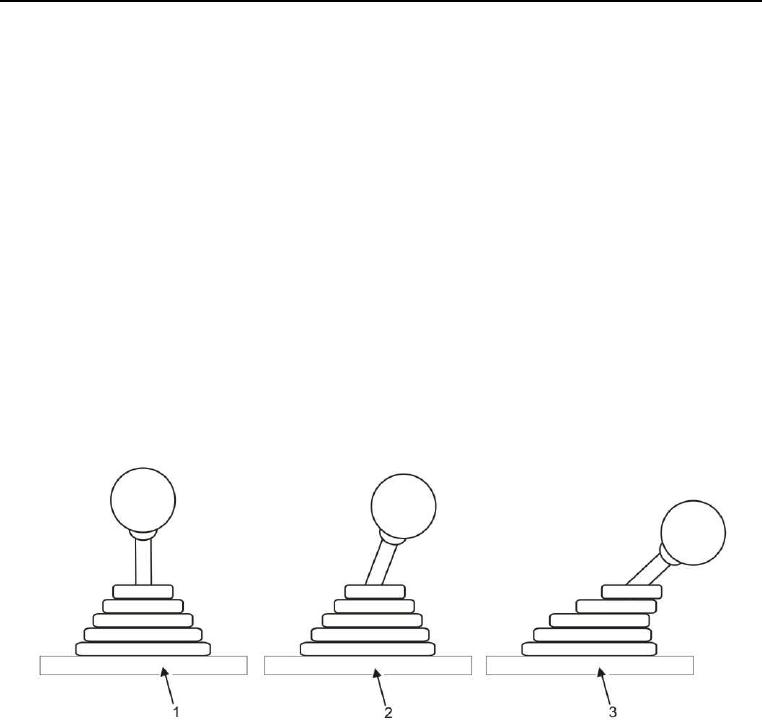
Figure 7. Joystick Position.