

TM 5-3895-385-10
0015
BOLT-ON SCREED EXTENSION KIT INSTALLATION -- CONTINUED.
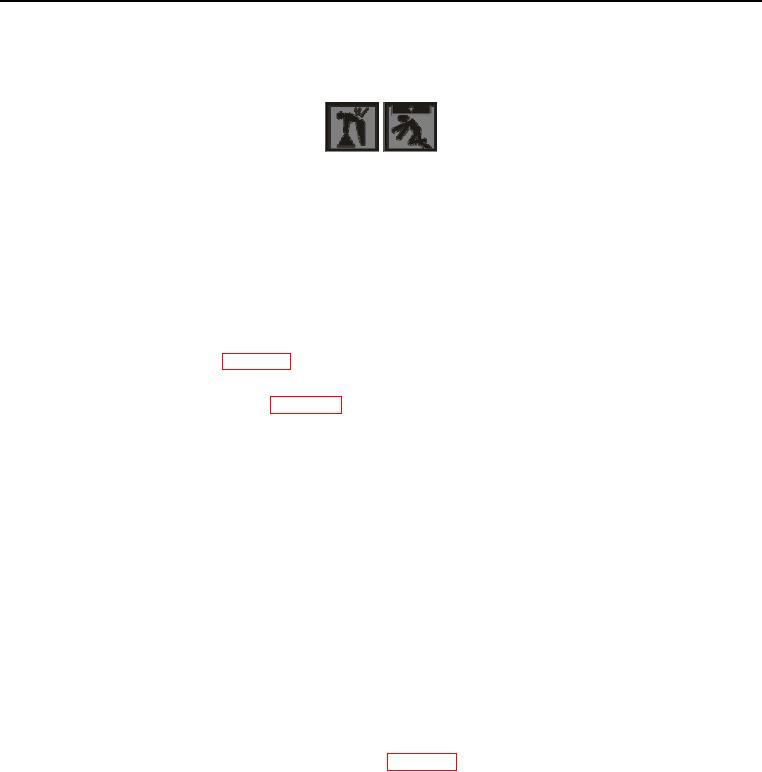
WARNING
The bolt-on screed extension weighs 236 lb (107 kg). Six personnel are required to lift
component. Failure to comply may cause injury or death to personnel.
CAUTION
Do not drop item being lifted. Failure to comply may cause damage to equipment.
NOTE
Bolt-on screed extensions, auger extensions, and material retaining plates are labeled for left and
right sides of the BMPM (WP 0009). Be sure to install the correct parts on each side of the
machine.
1. Unpack bolt-on screed extension kit (WP 0023).
2. Remove bolt (Figure 4, Item 2), lock washer (Figure 4, Item 3), and nut (Figure 4, Item 4) from screed
extension multiple angle bracket (Figure 4, Item 1).
3. Remove bolt (Figure 4, Item 19), flat washer (Figure 4, Item 5), lock washer (Figure 4, Item 6), and nut (Figure
4, Item 7) from screed extension multiple angle bracket (Figure 4, Item 1).
4. Remove two bolts (Figure 4, Item 16), lock washers (Figure 4, Item 17), and screed end gate bracket mount
bar (Figure 4, Item 18) from mounting holes (Figure 4, Item 12).
5. Install bolt-on screed extension (Figure 4, Item 15) onto screed extension (Figure 4, Item 8) with assistance.
6. Install bolt (Figure 4, Item 2), new lock washer (Figure 4, Item 3), and nut (Figure 4, Item 4) onto screed
extension multiple angle bracket (Figure 4, Item 1).
7. Install bolt (Figure 4, Item 19), washer (Figure 4, Item 5), new lock washer (Figure 4, Item 6), and nut (Figure
4, Item 7) onto screed extension multiple angle bracket (Figure 4, Item 1).
8. Install screed end gate bracket mount bar (Figure 4, Item 18), two bolts (Figure 4, Item 16), and new lock
washers (Figure 4, Item 17) to mounting holes (Figure 4, Item 12).
9. Install new lock nut (Figure 4, Item 14) onto screed extension bolt (Figure 4, Item 13).
10. Remove screed electric heat box element cable cap (Figure 4, Item 9) from screed electric heat box element
cable (Figure 4, Item 11), and store in BMPM toolbox (WP 0002).
11. Connect bolt-on extension screed electric heat box element cable (Figure 4, Item 10) to screed electric heat
box element cable (Figure 4, Item 11).
0015-9