

TM 5-3895-385-10
0017
Fill Fuel Tank
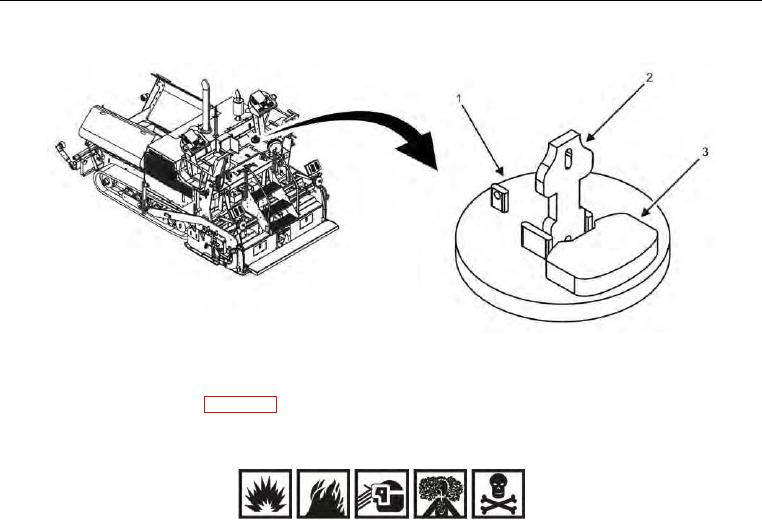
Figure 2. Fuel Tank Cap -- Removal.
1. Extend right operator seat (WP 0006).
WARNING
Fuel is combustible and toxic to eyes, skin, and respiratory tract. Skin and eye protection are
required when working in contact with fuel. Avoid repeated or prolonged contact. Provide
adequate ventilation. Operators are to wash exposed skin and change soaked clothing promptly if
exposed to fuel. Failure to comply may cause injury or death to personnel.
2. Remove any dirt or debris from the fuel tank cap area (Figure 2).
NOTE
If a lock is placed on the fuel tank cap latch, remove lock before proceeding.
3. Pull up fuel tank cap latch (Figure 2, Item 2).
4. Turn fuel tank cap latch (Figure 2, Item 2) counterclockwise.
5. Remove fuel tank cap (Figure 2, Item 1).
6. Set aside fuel tank cap (Figure 2, Item 1) on clean surface for installation.